
 Log in
Template purchase order for Excel and Word
Why use a template for purchase orders?
Using a template will reduce the chance of human error. If you are already using AP automation, a standardised form helps your software recognise fields consistently and streamlines the process.
Types of purchase orders
Single use — most common: one order with a specific delivery date. Planned — no fixed delivery date yet, often for large orders. Blanket (BPO) — standing or repeating supply, sometimes fixing price over a period.
Free template downloads
A purchase order is a binding document that sets out what you are buying, from whom, and on what terms. It helps control spend and gives finance a clear path from commitment to payment.
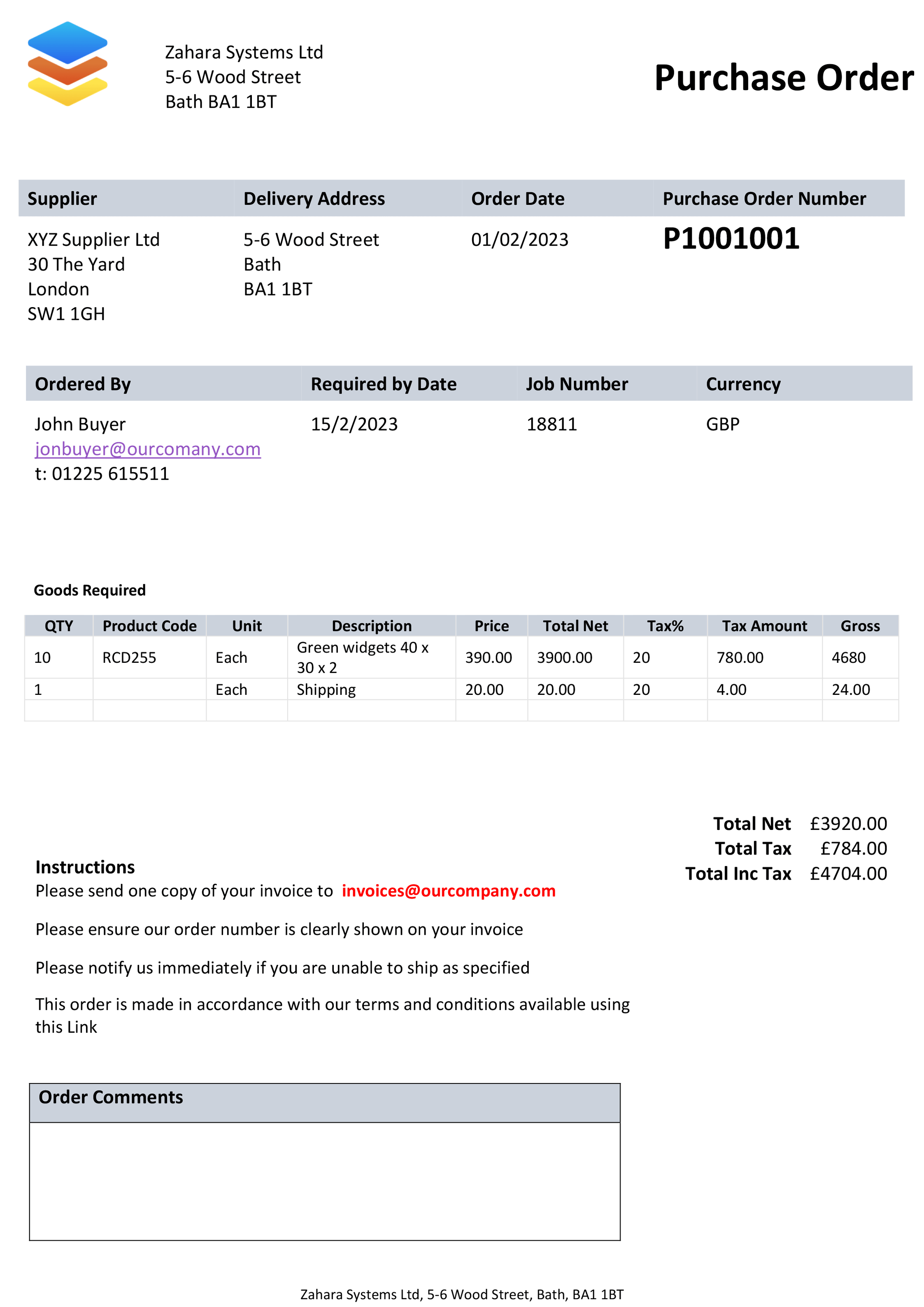
The key elements of a purchase order template
- Order date
- Unique PO number
- Buyer contact details
- Delivery address
- Supplier name and address
- Price and line items
- Supplier email for invoices
- Payment terms and currency
The purchase order templates on this page are free to use. For automation, approval workflows and matching, see Zahara from only £114 a month.
Frequently asked questions
Is Word the best format?
Word is fine for occasional orders; for regular use, look at software with numbering, approvals and a full audit trail.
Are these templates free?
Yes — free, with no obligation.
Best way to send a PO to a supplier?
PDF is the safest. You can “Send as PDF” from Word or Excel, or use Zahara to issue branded PDFs automatically.
One template in Word and one in Excel — customise for your branding.
Template for Microsoft Word
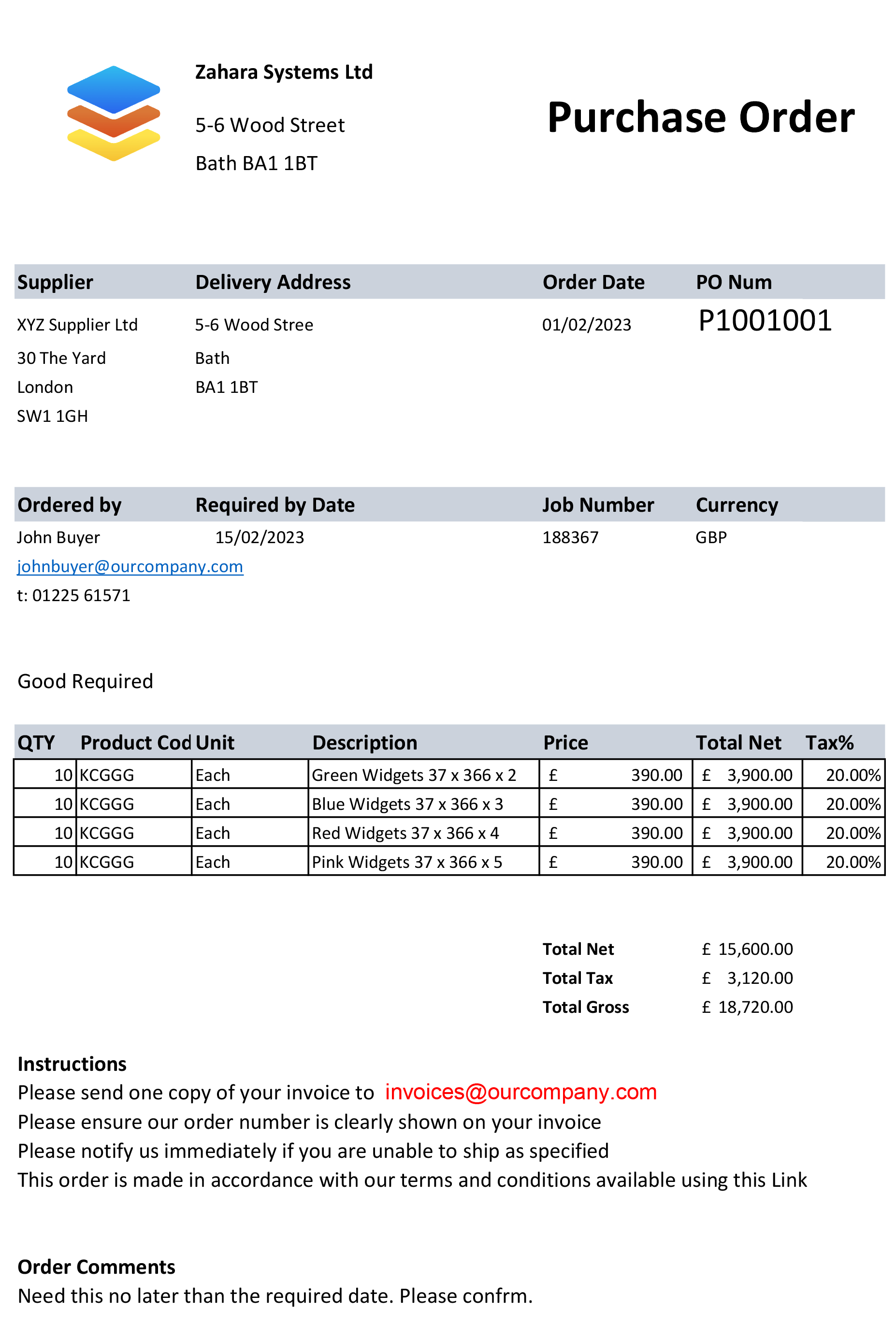
Template for Microsoft Excel
Three-way matching
Match purchase order, goods received note and invoice so finance can pay with confidence. Zahara automates this for you.
…said no one, ever
"I just love editing template purchase order documents"
Said no one, ever